Type or record
Keep quick thoughts, longer notes and voice recordings together in one calm workspace.
knot / notes for you
Your iPhone is already the recorder, transcriber and private AI. knot turns typed notes and recordings into a searchable vault—without cloud processing, a subscription or another device.
For iPhone 17, iPhone Air and newer supported iPhones.
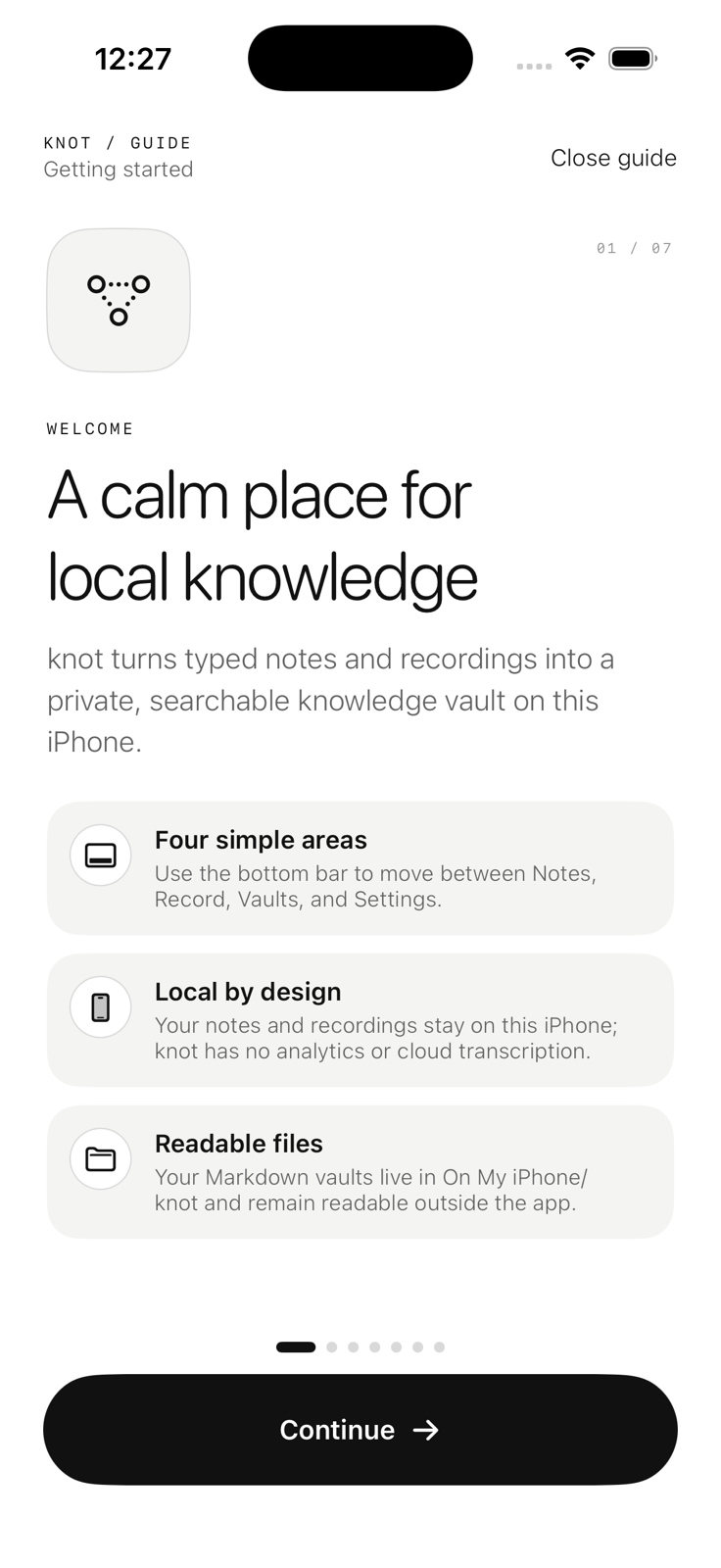
four simple areas
Keep quick thoughts, longer notes and voice recordings together in one calm workspace.
Transcribe, summarise and find actions with downloadable models that run locally.
Your vault is made from readable Markdown files you can inspect, export and keep.
one device / entirely yours
Download the models once. After that, transcription, refinement and knowledge work happen on your iPhone—not in a cloud account and not on a separate recorder.
Your recordings, prompts and notes are processed by models running directly on your iPhone.
No account, cloud transcription, analytics or tracking. Your content stays on your device.
Your vault uses readable Markdown files in On My iPhone/knot. Inspect them, export them and keep them.
Use the microphones and processing power already in your iPhone—without a companion recorder or recurring subscription.
Internet is used only to download the speech and language models. Your notes, recordings and prompts are never included in those requests.
local by design